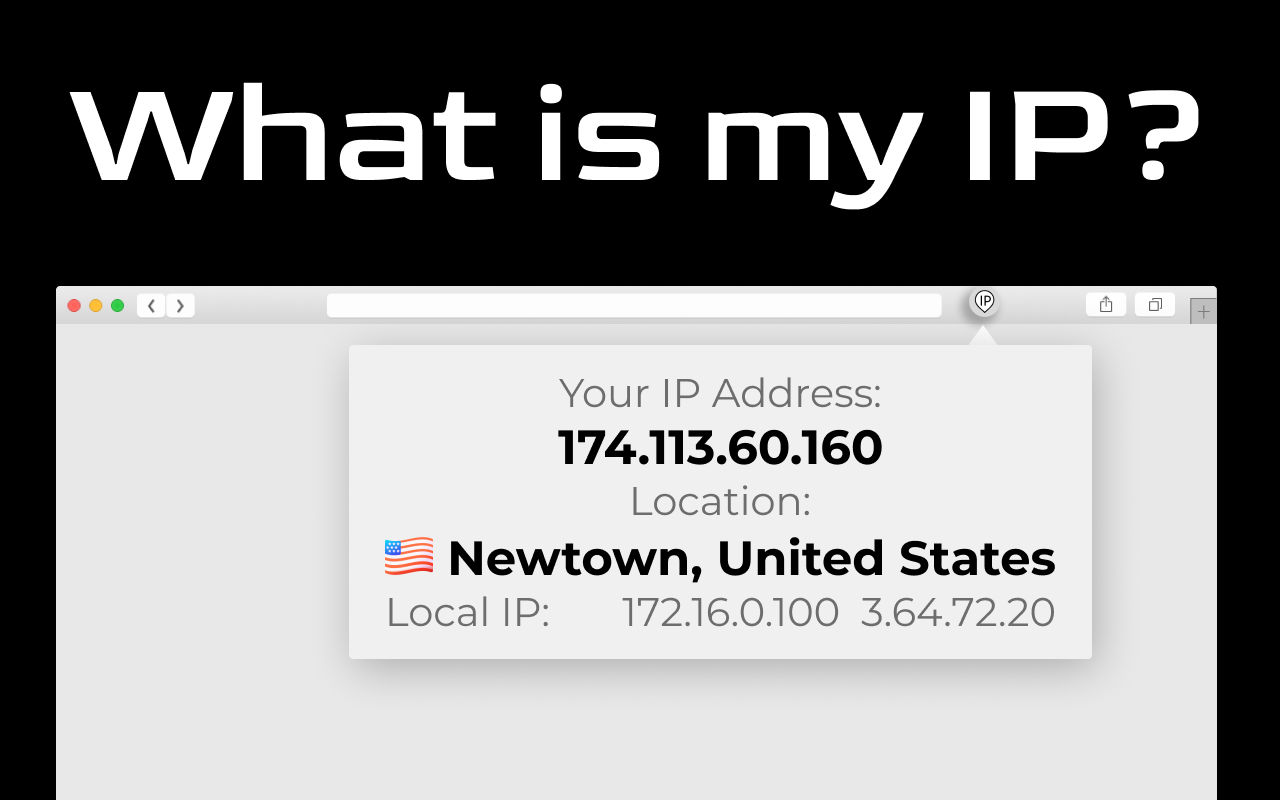
If you’ve ever wondered what your IP is, you’re not alone. Many of us use the internet every day without a clue about this tiny string of numbers that quietly connects us to the online world. Knowing “what is my IP” is more than just curiosity—it’s an essential piece of digital awareness that can improve security, speed, and overall online experience.
Understanding IP Addresses
An IP address, short for Internet Protocol address, is a unique identifier assigned to your device when it connects to the internet. Think of it as your home address, but in the digital world. Just like a physical address tells the postal service where to deliver a package, an IP address helps data find its way to your device.
There are two main types of IP addresses:
- IPv4: The most common format, like
192.168.1.1. It’s a 32-bit number, but due to growing internet use, its availability is limited. - IPv6: A newer system using 128 bits, like
2001:0db8:85a3:0000:0000:8a2e:0370:7334. It’s designed to accommodate the ever-expanding number of devices online.
Knowing which one you’re using can be crucial, especially when setting up network devices or troubleshooting connectivity issues.
Why You Should Know Your IP Address
You might wonder, “Why bother finding out my IP?” Here are a few practical reasons:
- Network troubleshooting: If your internet isn’t working, knowing your IP helps diagnose the problem quickly.
- Remote access: To access your home computer or server from anywhere, your IP is key.
- Online security: Detecting unauthorized access or unusual activity often requires knowing your IP.
- Geolocation: Your IP can reveal your approximate location, which can affect streaming services, ads, or website content.
I remember once trying to access my office server remotely. The IT team asked for my IP, and without knowing it, I couldn’t get access—learning it saved me hours of frustration.
Dynamic vs. Static IP: What’s the Difference?
Not all IPs are created equal. Devices can use either dynamic or static IPs:
| Feature | Dynamic IP | Static IP |
|---|---|---|
| Assignment | Automatically assigned by ISP | Manually assigned |
| Changes Over Time | Yes, changes periodically | No, remains constant |
| Use Case | Home users, casual browsing | Servers, remote access, hosting |
| Security Aspect | Less predictable, harder to track | Easier to locate, predictable |
Dynamic IPs are convenient for everyday browsing, while static IPs are necessary when you need consistent access for services like web hosting or gaming servers.
How to Check “What Is My IP”
Finding your IP is easier than you might think:
- Online tools: Simply typing “what is my IP” in a search engine instantly reveals your public IP.
- Device settings: On computers or smartphones, the network settings section shows your local IP.
- Command prompt/terminal: Typing commands like
ipconfig(Windows) orifconfig(Mac/Linux) lists your IP.
These methods ensure you can access your IP whenever needed—whether for troubleshooting or personal curiosity.
Implementing IP Knowledge for Network Efficiency
Imagine you’re trying to connect your security camera system to your home network. Without knowing the IP of the router and devices, configuration becomes nearly impossible. By identifying each device’s IP, you can seamlessly manage connections, monitor footage remotely, and prevent unauthorized access. This simple knowledge transforms a frustrating setup into a smooth process.
Unlocking the Benefits of Your IP Address
Understanding your IP goes beyond technicalities. It empowers you to:
- Take control of your online privacy by monitoring access points.
- Optimize network performance by identifying conflicts or slow connections.
- Access content that may be region-restricted, such as streaming services or websites.
In essence, it’s a small piece of data with a surprisingly large impact on your digital life.
FAQs
Q1: Can my IP address reveal my exact location?
A: Not precisely. While your IP can show your city or region, it rarely pinpoints your exact home address.
Q2: Is it safe to share my IP?
A: Generally, yes. However, avoid sharing it publicly if it’s your static IP, as it could be targeted by hackers.
Q3: How often does my IP change?
A: Dynamic IPs change periodically based on your ISP’s schedule, while static IPs remain constant.
Q4: Can I hide my IP address?
A: Yes, using VPNs or proxy servers, your IP can be masked for privacy and security.
Q5: Do mobile devices have IP addresses?
A: Absolutely. Every device that connects to the internet, including smartphones, tablets, and IoT gadgets, has an IP.
Read More: Accessing 10.10.10.1: Setup, Tips & Troubleshooting
Conclusion
Knowing “what is my IP” might seem trivial at first, but it’s a cornerstone of understanding your online presence. From troubleshooting to security, content access, and privacy, this small numerical code opens a world of possibilities. By regularly checking and understanding your IP, you gain control, insight, and peace of mind in the digital realm.









